EditRail
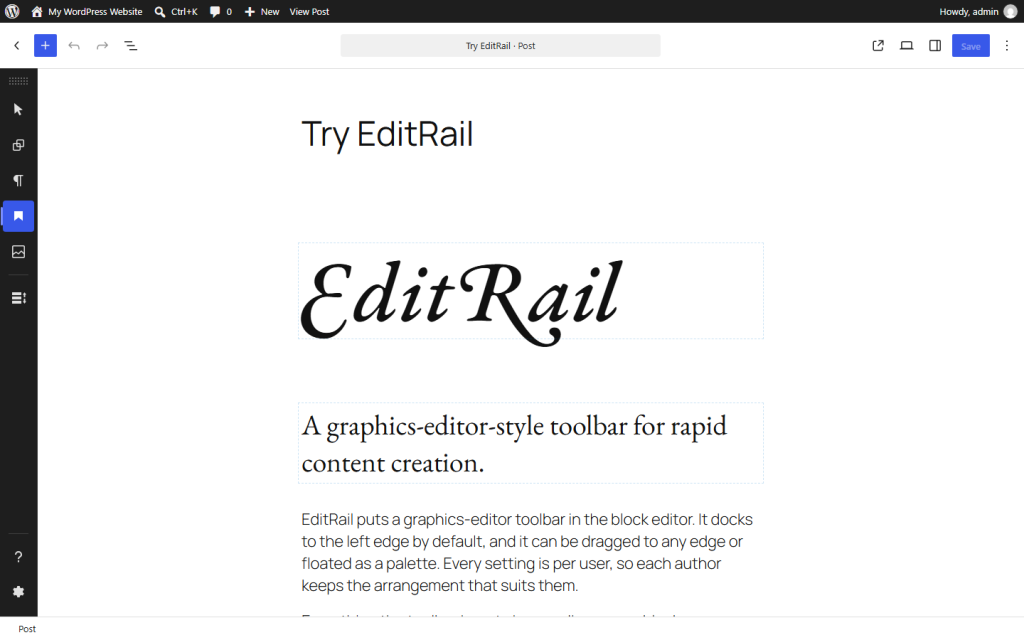
A toolbar for the block editor that works like the tool rail in a graphics app. Pick a tool, click the canvas, and the block appears where you clicked.
How it works
- Pin any block or pattern as a tool. Give it your own name, description, and icon.
- Click a tool to arm it. Your next click in the canvas inserts its block at that point. Shift-click keeps the tool armed.
- Drag a tool into the canvas to place its block where you drop it.
- Dock the toolbar to any edge, or let it float as a palette.
- Save an arrangement as a named set. Move sets between sites as JSON files.
Everything EditRail inserts is an ordinary core block. If you deactivate the plugin, your content renders and edits the same as before.
Section overview
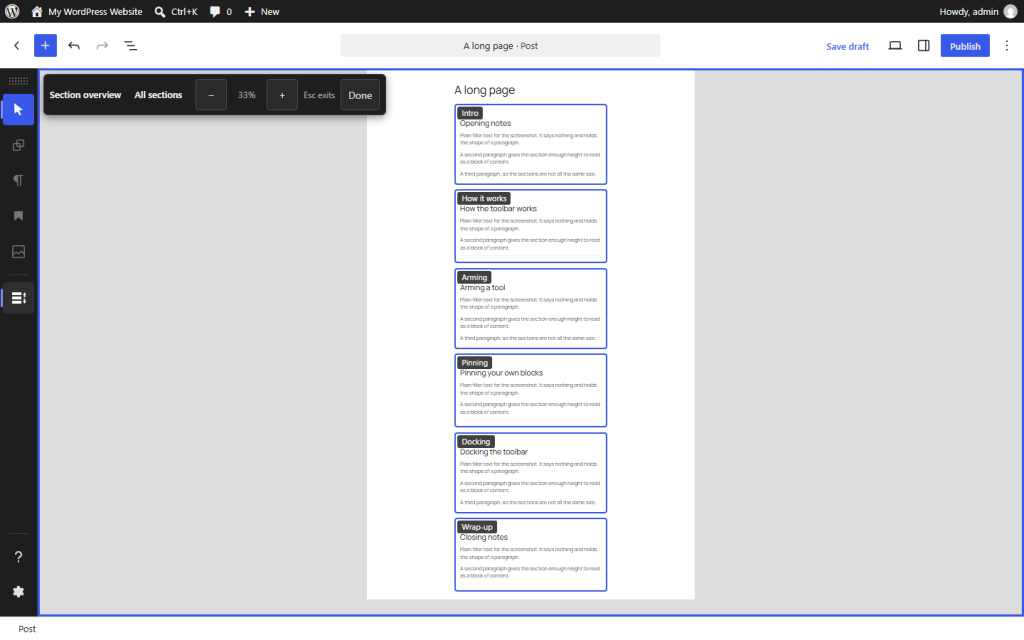
One tool zooms the page out and draws an outline around each top-level block. Drag an outline to reorder sections, or use the arrow controls inside it. Select several sections and move them together. Locked blocks stay where they are.
Built for the keyboard and screen readers
A graphics-style toolbar is a pointer-first idea. I built EditRail so that nothing in it needs a pointer.
- The toolbar is one tab stop. Arrow keys move between tools. Home and End jump to the ends. Escape disarms.
- Press Enter to arm a tool, then Ctrl+Enter (Cmd+Enter on a Mac) to insert its block after the selected block.
- Every move in Section overview works from the keyboard and is announced. Dragging is a shortcut, never the only way.
- Pin, unpin, and insert actions are announced to screen readers.
- Every color preset meets WCAG contrast minimums. With custom colors, the focus ring adjusts so it stays visible.
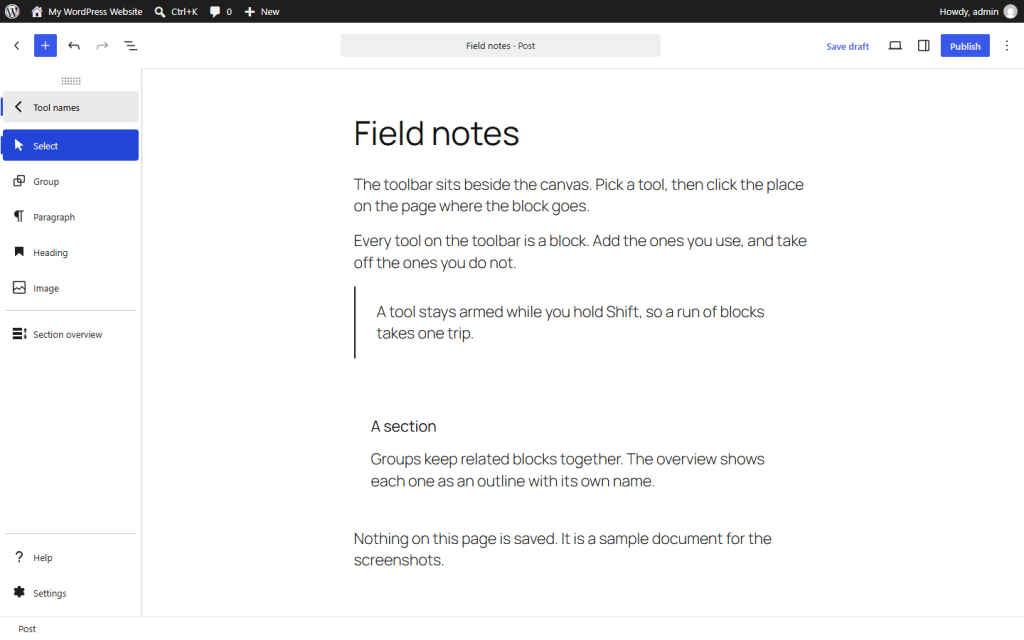
- Turn on tool names to show a label beside each icon, so you do not have to learn the icons.
For developers
Themes and plugins can add their own tools with the toolrail_tool_providers PHP filter and window.toolrail.registerTool() in JavaScript. The docs have a working example.
Why I built it
I’m an accessibility consultant and developer. EditRail is how I think editing tools should work: quick with a mouse, and complete with a keyboard. If your site needs the same standard, see how I work with clients.
Free under GPLv2 or later. Requires WordPress 6.5 or later and PHP 7.4 or later. Your toolbar settings are saved to your user account. The plugin stores no site options and writes nothing into your posts.